
On this page
Gathering and selling brushwood
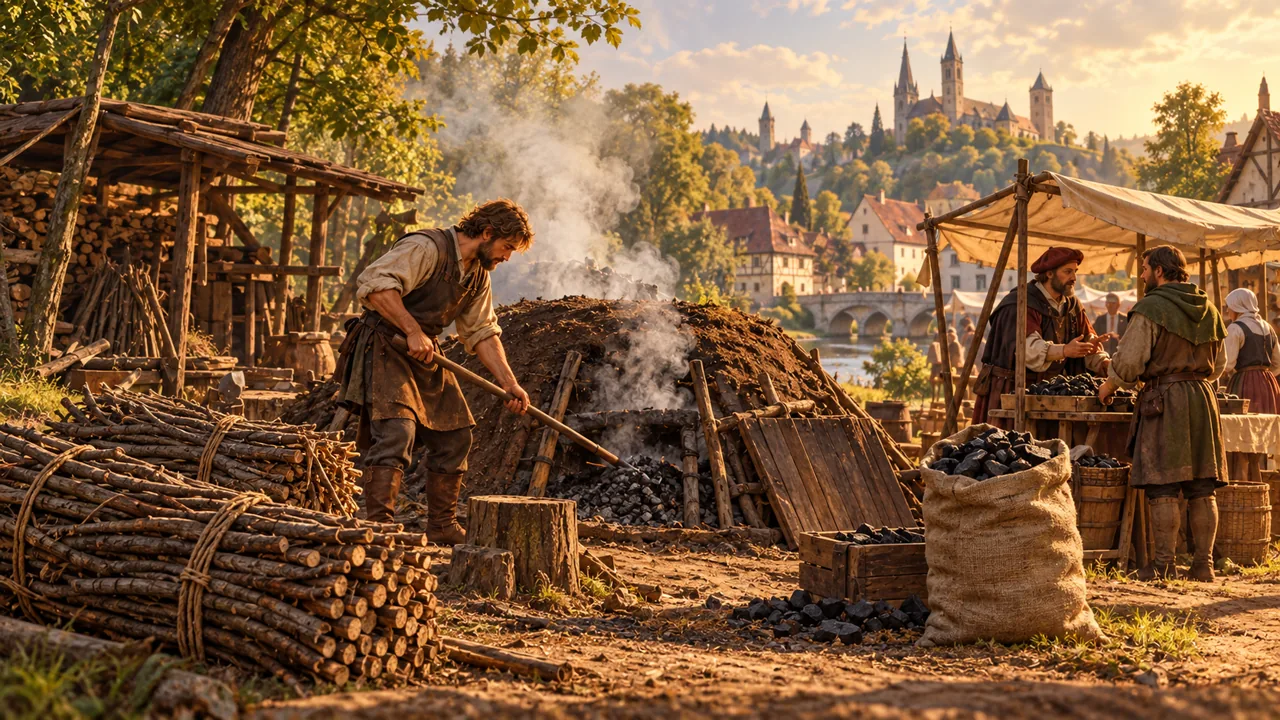
Collect brushwood, inspect the bundle and decide whether to sell it, make charcoal or offer it to someone who needs it.
Collect a bundle
Approach the marked gathering point. Open the interaction with E by default, or press F10 nearby. Confirm collection and stay close for 10 seconds.
Moving away, dying, entering another area or spawning again interrupts collection. Closing the dialogue before confirmation does not start gathering.
After completion, one 5 kg brushwood bundle appears in Belongings (F7). Check that it is there before heading to the buyer. This is brushwood gathering rather than cutting down a tree.
Choose what to do with the bundle
| Choice | What to check first |
|---|---|
| Sell raw brushwood | The buyer's current price and ability to pay |
| Make charcoal | Two bundles, carrying space and the selected recipe |
| Offer it to a person | The item, price and the buyer's explicit consent |
One bundle cannot be both sold and used as an input. Check the previous action before promising the same goods elsewhere. Having a journal marker is guidance to a recipient, not a reservation of their money.
Sell to the buyer
After gathering, follow the journal marker to the separate buying point. Use E or F10 nearby to open the offer, check the current price and confirm the sale of one bundle.
Brushwood supplies and the buyer's funds are limited. If the buyer cannot pay, you keep the bundle and can try selling it later. Returning to the game does not itself replenish supplies or the buyer's funds.
Check the outcome
Wait for the reply after confirmation: do not repeat the sale while its outcome is uncertain. Then check your remaining belongings and balance with F7. A delayed panel update does not mean the bundle was lost or the sale failed.
Use /help materials for the available gathering and selling actions.